Checking PRO360° Remote Diagnostics Connectivity from the Panther Remote Dashboard
- Log in to the FSE Panther Shield
- Click the Dashboard button.
- The Panther Dashboard software launches.
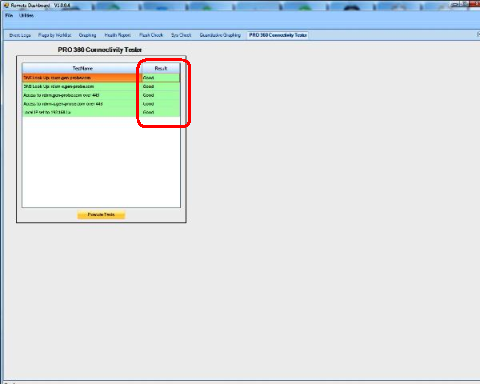
- Select the PRO360° Connection Tester tab and click Execute Tests.
 If all connections are established, all Results will be labeled Goodwith green backgrounds.
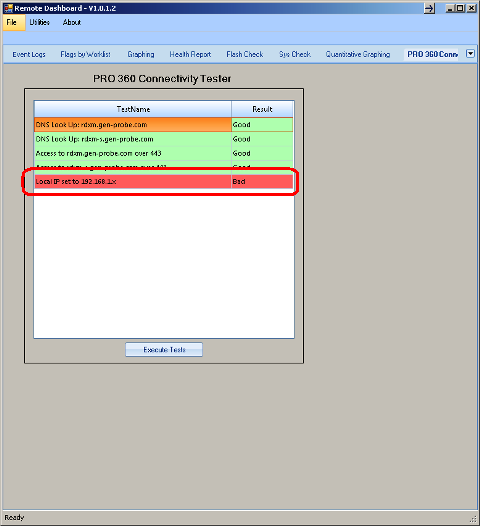
Note— If a connection was not established, the Result will be labeled Bad with a red background. - Close the Panther Dashboard software.
 button at the top of the page to send feedback, comments, or change requests.